

Technical SEO for Law Firms
Part 1, Chapter 4: Technical SEO for Law Firms
Table of contents
Technical problems can affect both prospective clients and search engines, though not always in the same way. Slow pages, broken mobile navigation, and malfunctioning contact forms frustrate visitors. Other problems are less obvious and can prevent search engines from accessing or indexing important pages.
Technical SEO removes barriers between a law firm's website, search engines, and prospective clients. Attorneys don't need to troubleshoot those problems themselves, but they should understand what their marketing and development teams are responsible for monitoring, maintaining, and fixing.
Key Takeaways
- Search engines need access to your content. Important pages must be discoverable, crawlable, and eligible for indexing before they can compete for search visibility.
- Website performance affects potential clients. Slow loading, mobile usability problems, and broken features can frustrate visitors before they ever contact the firm.
- Technical SEO needs ongoing attention. Redirects, indexing issues, website updates, and other behind-the-scenes problems require monitoring and coordination between marketing and development teams.
What Is Technical SEO for Law Firms?
Technical SEO deals with the settings and infrastructure behind a website. It covers how search engines access pages, how URLs behave when content moves, and how reliably the website performs across devices.
Fixing an indexing restriction or repairing a redirect after a redesign can make an important difference without rewriting the firm's SEO content. The visible page may look exactly the same, even though a problem affecting its search accessibility has been resolved.
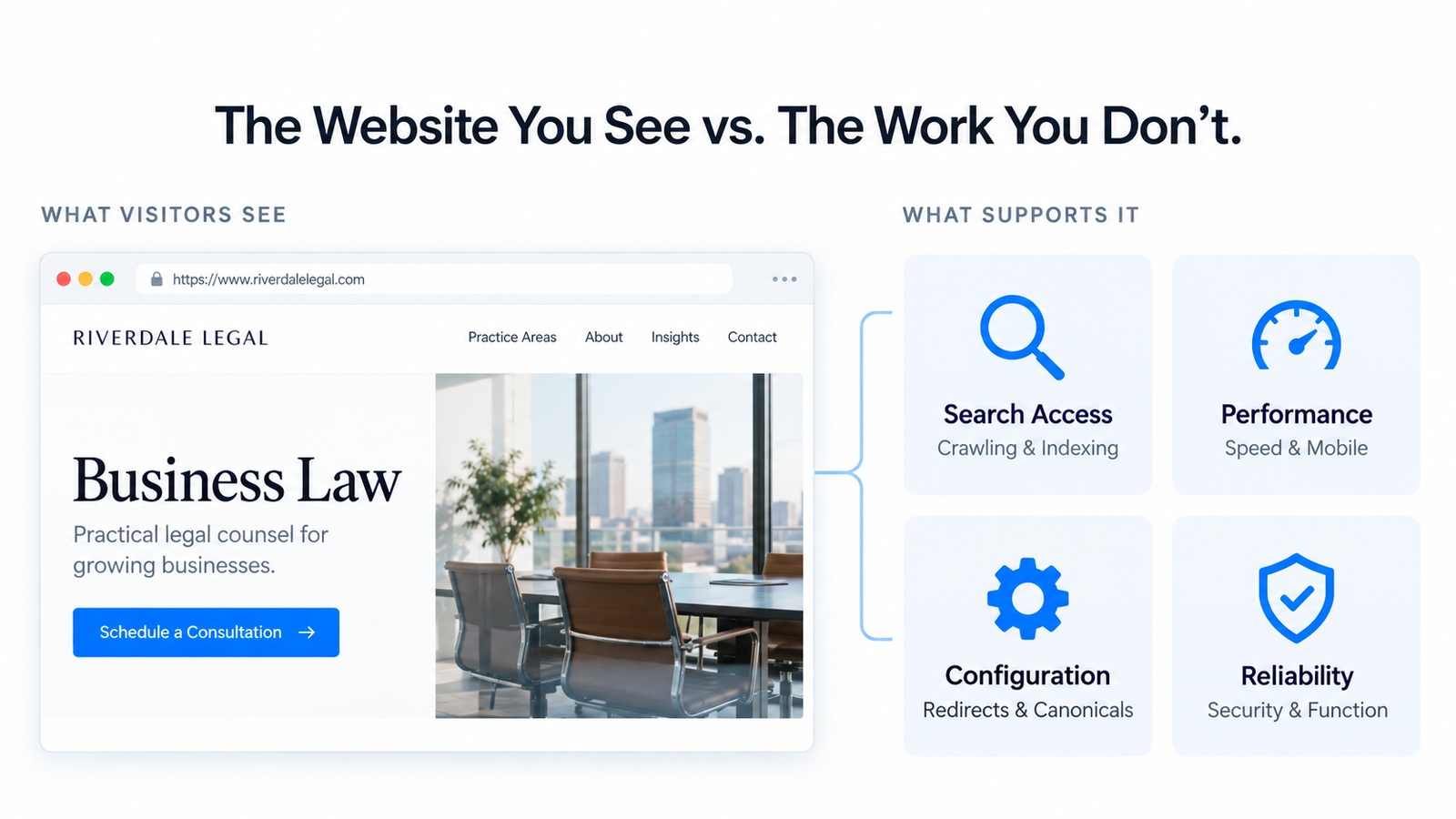
Common Technical SEO Problems on Law Firm Websites
A law firm's website can appear to work normally while technical problems interfere with its search visibility or reliability. Four common trouble spots are worth understanding:
Search Visibility & Indexing Problems
A law firm's website might have a page dedicated to personal injury cases, but that page doesn't appear in Google searches. Sometimes the problem isn't the content or competition. Website settings may prevent Google from finding or including the page in its search results. Other issues, such as broken internal links, can make important pages harder to discover.
Website Speed & Usability Issues
Slow loading, poorly optimized images, broken mobile layouts, and malfunctioning features can interfere with a visitor's experience. Problems with navigation or contact forms are particularly costly when someone is trying to reach an attorney.
Broken Links, Redirects & Website Changes
Redesigns, deleted pages, and changes to website URLs can disrupt access to existing content. Missing redirects and outdated internal links may send visitors to error pages while undermining search visibility that the firm previously established.
Security & Behind-the-Scenes Errors
Outdated software, compromised websites, server failures, and conflicting plugins can create problems beyond the visible design. Security breaches may even introduce unauthorized pages or redirects, damaging the firm's credibility and search presence.
Why Isn't My Law Firm's Website Showing Up on Google?
A page can be live without appearing in Google Search. Before rewriting the content, your SEO team should investigate a few potential obstacles:
- Discovery Problems: A site's website structure affects how easily search engines find its pages. Poor internal linking or missing sitemap entries can make important content harder to discover.
- Crawling Problems: Server errors, blocked access, or incorrect website settings can prevent search engines from reading a page.
- Indexing Problems: Noindex directives, conflicting canonical tags, or duplicate content signals can interfere with a page's inclusion in search results.
Google Search Console helps identify pages with indexing problems and provides clues about what might be causing them. Fixing an access or indexing issue won't guarantee rankings, but it's a necessary place to start before blaming the content.
When Site Speed & UX Affect Law Firm SEO
Search engines consider how well websites perform for visitors. Slow-loading pages, awkward mobile layouts, and broken features create unnecessary obstacles for prospective clients and can undermine the site's overall search performance.
Some website performance issues are easy to recognize once you know what to look for. These tools offer a starting point for checking them yourself:
| What to Check | What to Look For |
|---|---|
| Page Speed |
Large images, excessive scripts, and slow-loading content can delay access to important information.
Check: Google PageSpeed Insights
|
| Mobile Usability |
Navigation, text, and contact forms should work on smaller screens. Effective UI/UX design makes a website easier to use across devices.
Check: Responsive Tool
|
| Page Stability & Responsiveness |
Content that shifts during loading or buttons that respond slowly can frustrate visitors, even when a page loads quickly.
Check: WebPageTest
|
These tools offer useful starting points, not complete technical SEO audits. Google's Core Web Vitals measure loading performance, responsiveness, and visual stability. The goal isn't a perfect score. It's identifying problems that affect visitors and deciding what deserves attention.
Technical SEO Audits: Solving Problems
A technical SEO audit should produce more than a list of website errors. Automated tools can flag potential issues, but determining what matters requires further investigation. Turning those findings into improvements generally involves three steps:
1. Identify the Problems
Examine search indexing, website performance, broken URLs, and technical settings. Determine which warnings represent actual problems affecting search engines or visitors.
2. Prioritize What Matters
Not every issue deserves immediate attention. A blocked practice-area page carries different consequences than a minor performance warning. Evaluate the impact before deciding what gets fixed first.
3. Resolve & Verify
Coordinate corrections with the appropriate SEO or development team. Test the changes afterward to confirm they addressed the original problems without creating new ones.
Behind the Scenes of Technical SEO Work
Imagine a law firm redesigning its website. Dozens of practice-area pages are reorganized, attorney profiles are rebuilt, and the firm moves to a new hosting environment. The finished website looks great, but search engines still know the old URLs. Other websites still link to those addresses. Changes made during development could also affect indexing or site performance.
A redesign can put years of established search visibility at risk if the changes aren't managed properly. Here's some of the technical work that should be happening:
| This Sounds Really Technical | What It Actually Means |
|---|---|
| Redirects & URL Changes | When pages move or get new addresses, redirects help visitors and search engines reach the correct replacements. Otherwise, existing links may lead to missing pages. |
| Canonical URLs | When multiple URLs contain the same or similar content, technical settings indicate which version search engines should prioritize. Incorrect settings can point Google toward the wrong page. |
| Structured Data | Behind-the-scenes information helps search engines identify details about the firm and its website. Google's organization structured data is one example. A redesign may require updating this information to match the new site. |
| Launch Settings & Security | Make sure the new website is secure, pages work properly, and temporary settings used during development aren't blocking search engines from accessing the finished site. |
Don't Let Technical Problems Undermine Your SEO
Technical SEO problems don't mean a law firm's entire search strategy has failed. Many issues have identifiable causes and practical solutions. Addressing them doesn't necessarily mean rebuilding the website or starting over with the firm's SEO efforts.
- Protect Your Search Visibility: Effective keyword research and valuable legal content deserve the opportunity to compete. Technical problems shouldn't keep important pages out of search results.
- Make It Easy to Contact the Firm: When prospective clients find your website, slow pages or broken features shouldn't prevent them from getting the information they need or reaching an attorney.
- Keep Problems in Perspective: Not every technical issue requires a website rebuild or major investment. Targeted fixes and ongoing maintenance can address many problems before they become larger obstacles.